Bias
Description
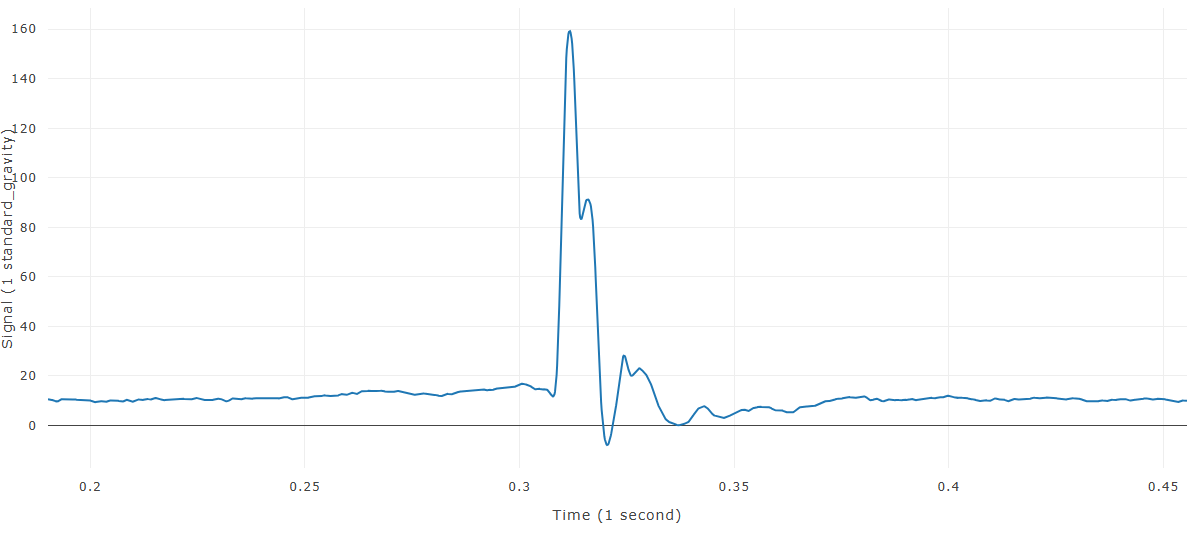
Bias shifts the time and/or measured-value axis of selected time-history curves. With both offsets set to zero, WebSAT automatically estimates and removes the pre-event signal bias.
When this feature is available
Bias becomes available when the selected curves and settings meet the requirements.
For the selection to pass:
- At least one time-history curve must be selected.
- The X offset must be numeric.
- The Y offset must be numeric.
WebSAT enables Bias when at least one eligible curve is selected and both requested offsets are valid numbers.
Settings
| Setting | Default | Effect |
|---|---|---|
| X Offset | 0 | Shifts time in the displayed time units |
| Y Offset | 0 | Shifts the signal in its displayed units |
Both values at zero select automatic bias removal. Nonzero entries apply the specified offsets.
How WebSAT processes the data
- Load each selected time-history curve.
- Select the automatic or manual bias-removal path.
- In automatic mode, identify the pre-event portion and estimate its baseline value.
- In automatic mode, subtract the estimated baseline from the entire signal.
- In manual mode, shift the time values by the entered X offset.
- In manual mode, shift the signal values by the entered Y offset.
- Create and display the adjusted curve while preserving the original.
Results
Each input produces a new selected curve. Compare it with the original to confirm that the baseline or requested offset is appropriate.
References
No injury criterion or external reference value is applied. Use the baseline interval required by the governing test procedure.