Truncate
Description
Truncate keeps only the portion of each selected curve within a user-defined time interval.
When this feature is available
Truncate becomes available when the selected curves and settings meet the requirements.
For the selection to pass:
- At least one curve must be selected.
- The start time must be numeric.
- The end time must be numeric.
WebSAT enables Truncate when at least one curve is selected and both requested times are valid numbers. The calculation requires the start time to be no later than the end time. WebSAT limits a start time before the curve to the first available sample and uses the closest samples for both bounds.
Settings
| Setting | Effect |
|---|---|
| Start Time (s) | First retained time |
| End Time (s) | Last retained time |
How WebSAT processes the data
- Load each selected curve and read the requested start and end times.
- Convert the requested bounds to the curve's time units.
- Identify the samples within the requested interval.
- Copy those samples into a new curve without changing their signal values.
- Preserve the applicable time and signal units.
- Display the truncated curve while preserving the original.
Results
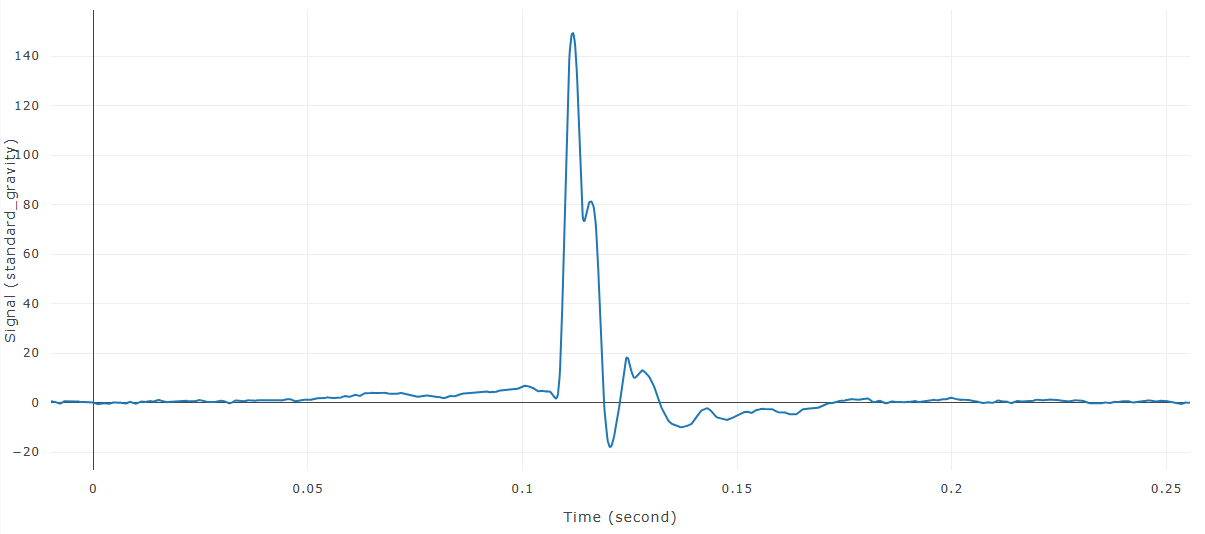
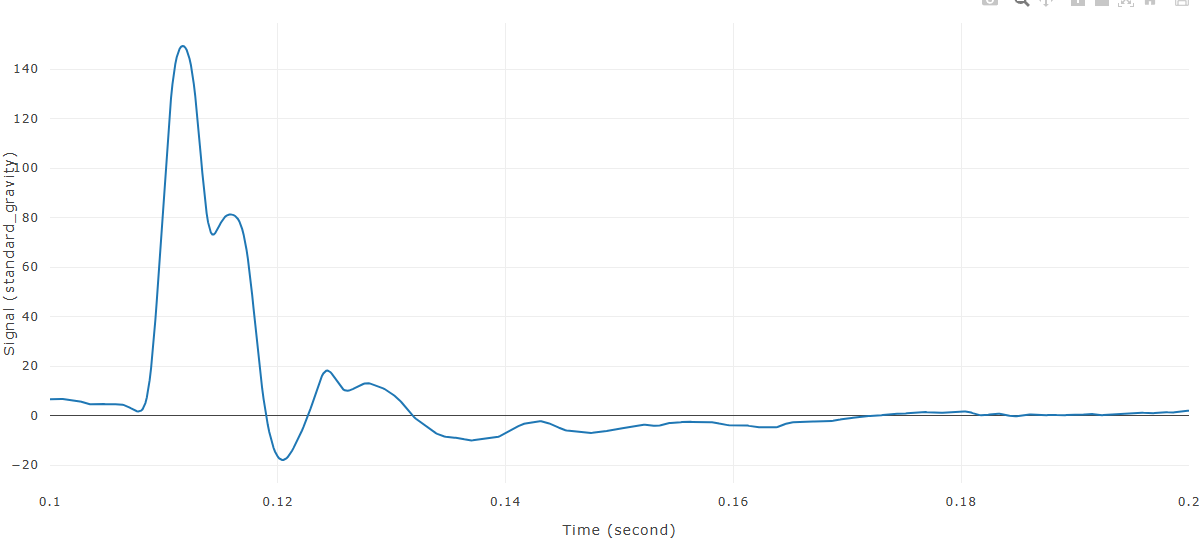
Each input produces a new selected curve covering only the requested interval.
References
No injury criterion or external reference value is applied.